

How to Calculate BMI (and What Your Result Really Means)
A plain-English guide to the Body Mass Index formula, the adult categories and the limits you should know about.
By Administrator · · Updated Nov 25, 2026
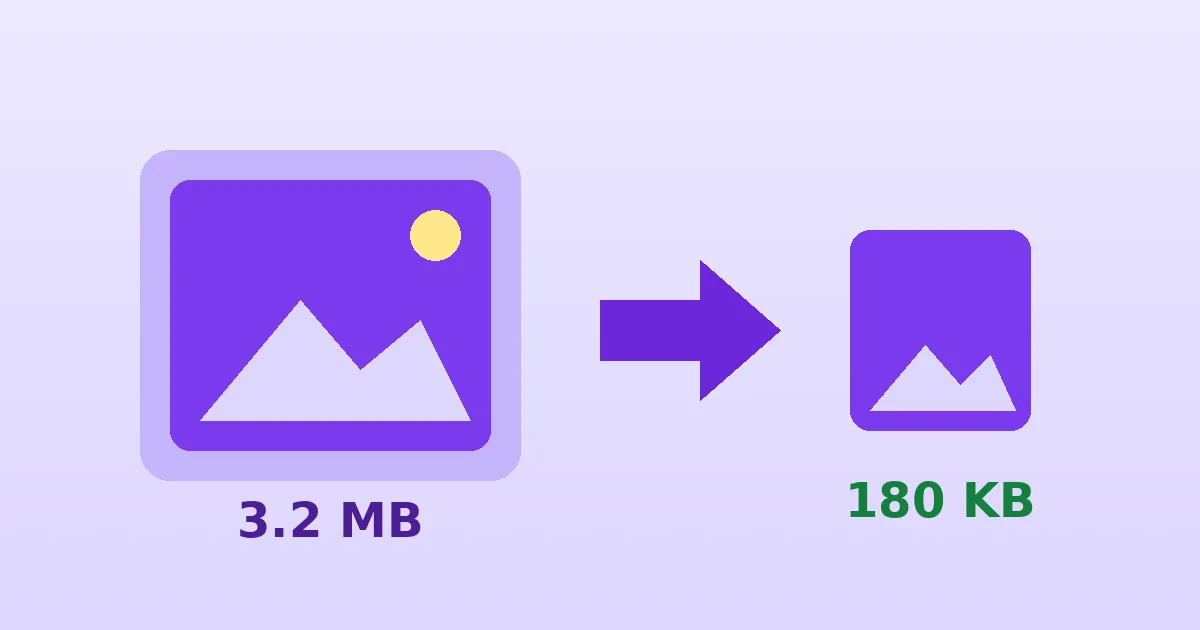
Images often make up more than half of a web page’s total size. Compressing them is one of the easiest ways to improve loading speed, Core Web Vitals and search rankings.
A photo straight from a phone can be 4000 pixels wide, but most websites display images at 1200 pixels or less. Use an image resizer to match the largest size the image will actually be shown at.
You can switch formats with our image converter.
For most photos, a quality of 70–80% looks almost identical to the original but is several times smaller. Our image compressor shows the size saved so you can find the right balance.
Always add width and height attributes to images so the browser can reserve space and avoid layout shift (CLS). Add loading="lazy" to images below the fold so they only load when needed.
After optimising your images, test the page with PageSpeed Insights. Look at Largest Contentful Paint (LCP) – it should be under 2.5 seconds. If the largest element is an image, make sure it is not lazy-loaded (it should load straight away) and that it is the right size for the screen.
A blog post with five 3 MB phone photos weighs about 15 MB. Resizing them to 1200 pixels wide and saving them as WebP at 75% quality usually brings each one down to around 120–200 KB – under 1 MB in total. On a typical mobile connection that can make the page load several seconds faster.
Following these steps can easily cut image weight by 70% or more.
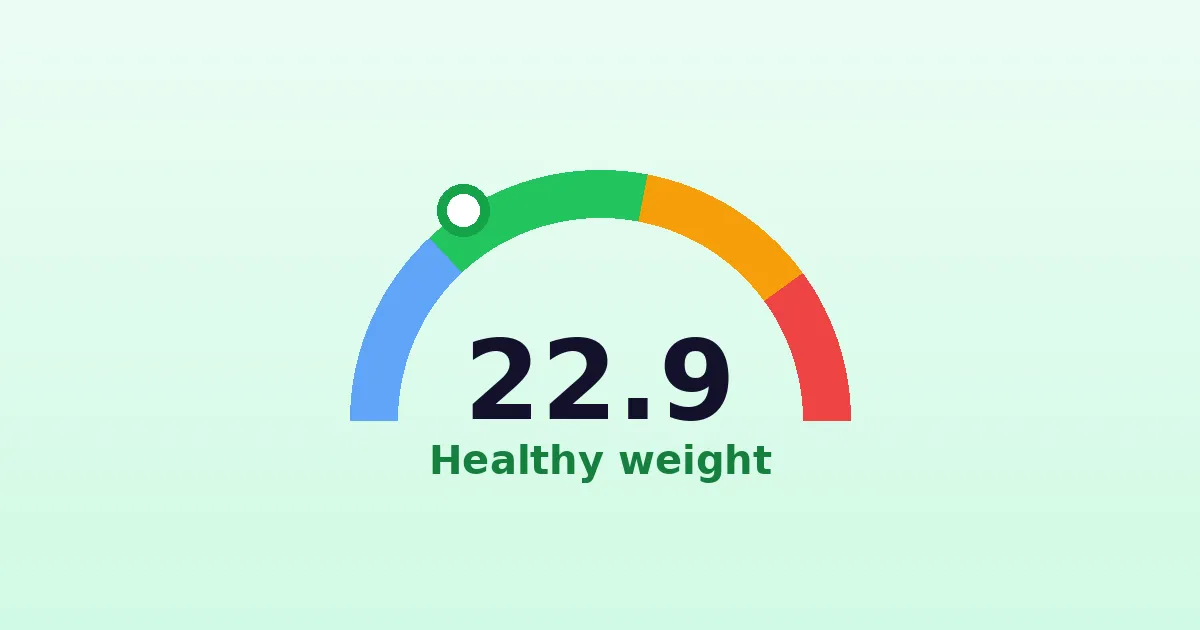
A plain-English guide to the Body Mass Index formula, the adult categories and the limits you should know about.